
Automated Video Publishing
Publish TikTok videos from n8n in minutes. Use the Upload-Post node for simplicity, or configure raw HTTP requests for full control. Content is auto-published upon upload completion.
Geen creditcard vereist
Kies de aanpak die het beste bij je workflow past
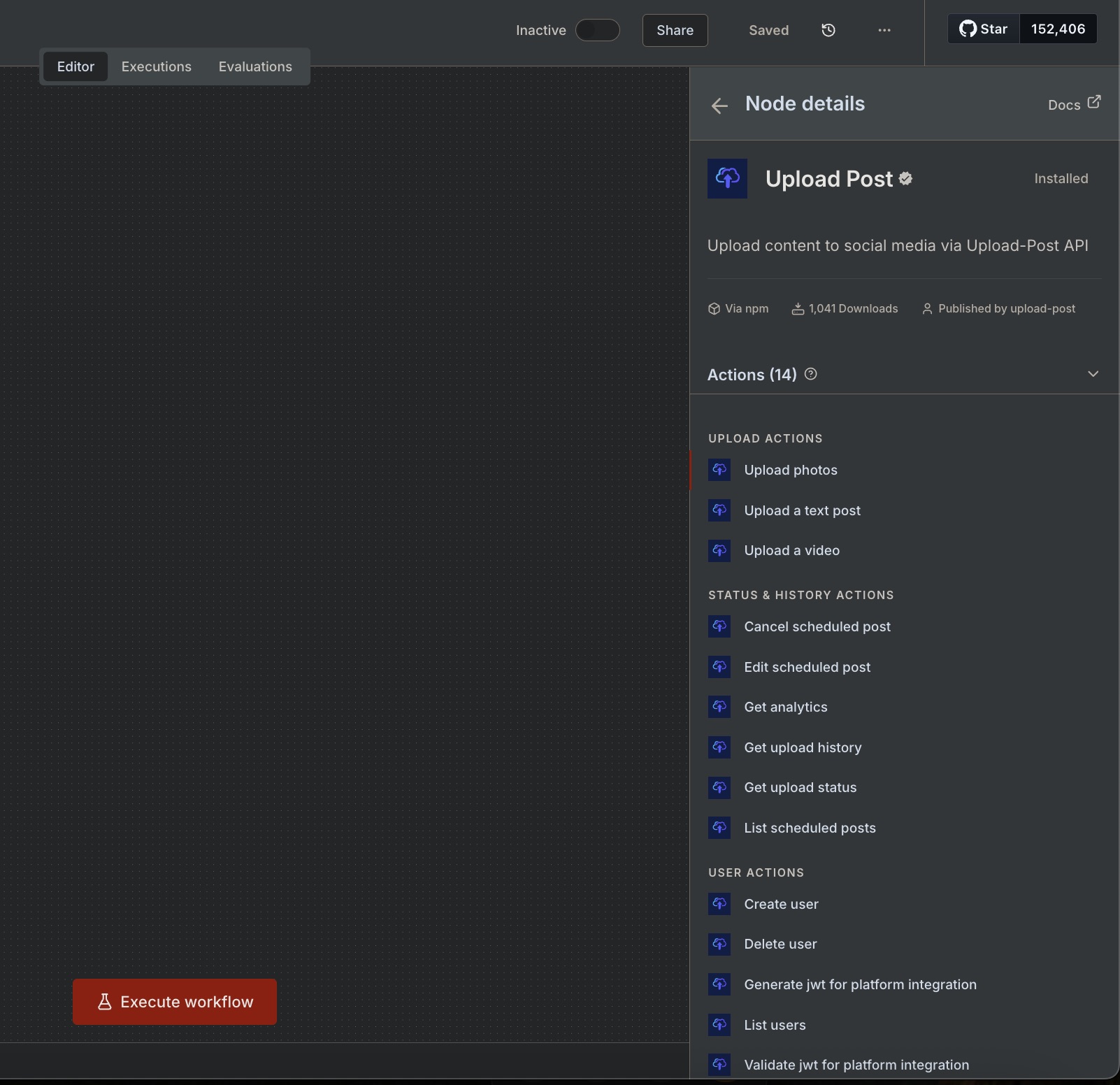
The easiest path. Pick Upload video, set your user, choose TikTok as platform, and attach the file. The node handles authentication, headers, and multipart/form-data for you.
Use a generic HTTP node configured as multipart/form-data.
Send binary data or pass a hosted URL for the video field.
POST https://api.upload-post.com/api/upload

Headers:
  Authorization: Apikey YOUR_API_KEY

Body (multipart/form-data):
  user: YOUR_USER_ID
  platform[]: tiktok
  title: My TikTok Video
  video: [binary] or [URL]
Pro tip: You can import cURL commands directly into n8n\'s HTTP Request node via Importeer van cURL.
Follow these 4 steps to publish your TikTok video
Begin met een node die de video als binaire gegevens levert. Veelvoorkomende opties zijn HTTP Request (GET met bestandrespons), Google Drive, S3 of Webhook.
Configureer een HTTP-verzoeknode met multipart/form-data. Je kunt binaire gegevens verzenden of een gehoste URL voor je video doorgeven.
Poll het status eindpunt met de teruggegeven postId totdat de status 'klaar' wordt. Gebruik een Wacht-knoop of IF-voorwaarde voor de lus.
Once the upload completes processing, your video is automatically published to TikTok. No separate publish step needed!
Kopieer en plak deze in je workflow
curl \
  -H 'Autorisatie: Apikey JOUW_API_SLEUTEL' \
  -F 'user=YOUR_USER_IDENTIFIER' \
  -F 'platform[]=tiktok' \
  -F 'title=My TikTok Video' \
  -F 'video=@/path/to/video.mp4;type=video/mp4' \
-X POST https://api.upload-post.com/api/uploadcurl \
-H 'Autorisatie: Apikey JOUW_API_SLEUTEL' \
-F 'user=YOUR_USER_IDENTIFIER' \
-F 'platform[]=tiktok' \
-F 'title=My TikTok Video (URL)' \
-F 'video=https://example.com/video.mp4' \
-X POST https://api.upload-post.com/api/uploadGET https://api.upload-post.com/api/uploadposts/status/{{ $json.postId }}
Authorization: Apikey YOUR_API_KEY
# Response includes status per platform:
# { "platforms": { "tiktok": { "status": "completed", "url": "..." } } }Sluit je aan bij duizenden makers en bureaus die Upload-Post + n8n gebruiken
Begin met deze sjablonen en pas ze aan voor jouw behoeften
Automatically publish videos from Google Drive to TikTok, Instagram, and more.
View detailsUpload foto-slideshows als carrousels naar meerdere platforms tegelijk.
View detailsCreate low-cost AI videos and upload directly to YouTube & TikTok.
View detailsTransform images into AI videos and upload to YouTube/TikTok.
View detailsVeelvoorkomende problemen en hoe deze op te lossen
Stel Body in op multipart/form-data, schakel Send Binary Data in en geef een geldige bestandsnaam en Content-Type op (bijv. video/mp4).
Check required fields: user, platform[]=tiktok, and video. Ensure your Upload-Post user has TikTok connected.
Verhoog de time-out van het verzoek en voeg een korte pollinglus toe om te wachten totdat de upload is verwerkt voordat je publiceert.
Stel je n8n workflow in minutes and automate your TikTok content strategy
Geen creditcard nodig - Gratis plan beschikbaar
We helpen je graag bij het stroomlijnen van je social media workflow
Heb je vragen? We horen graag van je.
Stuur ons een bericht en we reageren zo snel mogelijk.
